Creating and running queries
- Log in to Sixthsense portal & on the left navigation pane click on Query Builder
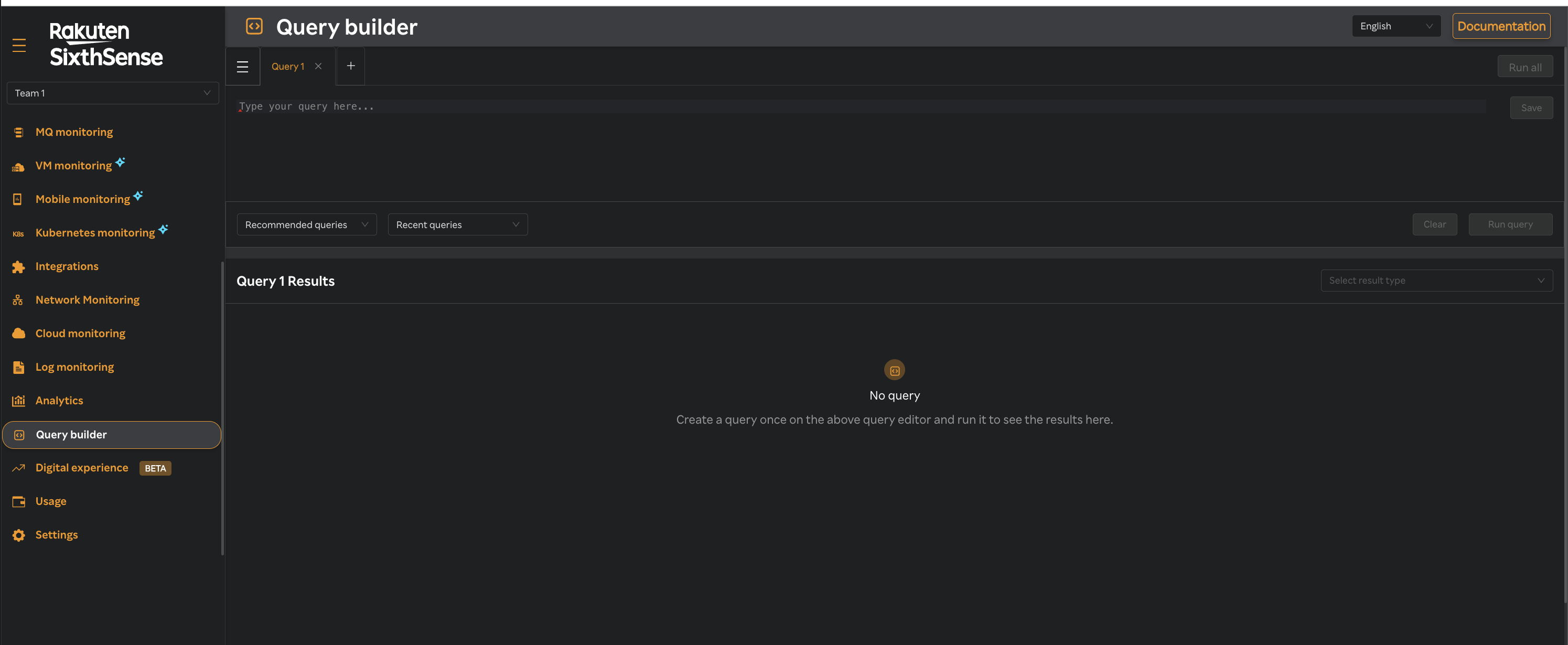
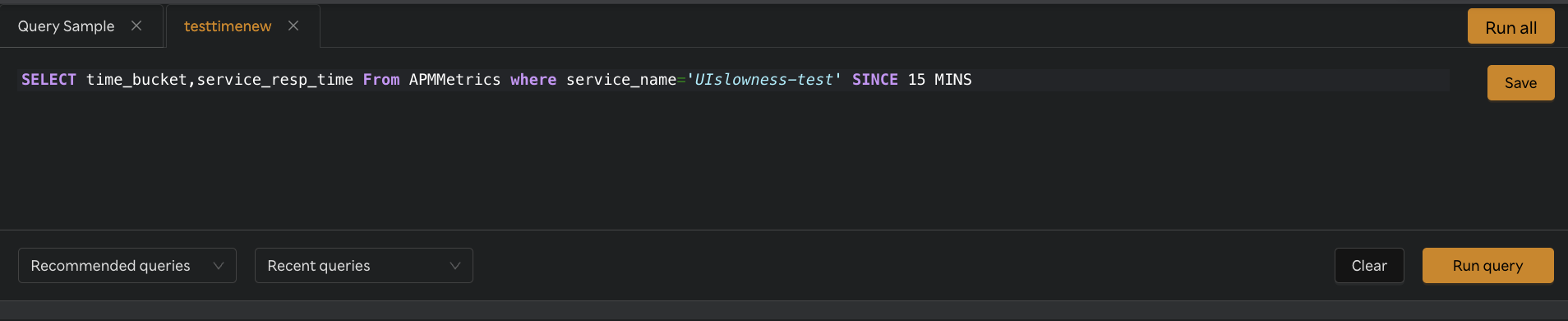
- Enter your query in the query pane provided at the top of the dashboard.
- Once the written query is valid Run query button will be enabled to exectue the query.
- Simultaneously save button will also be enabled to save the executed query.

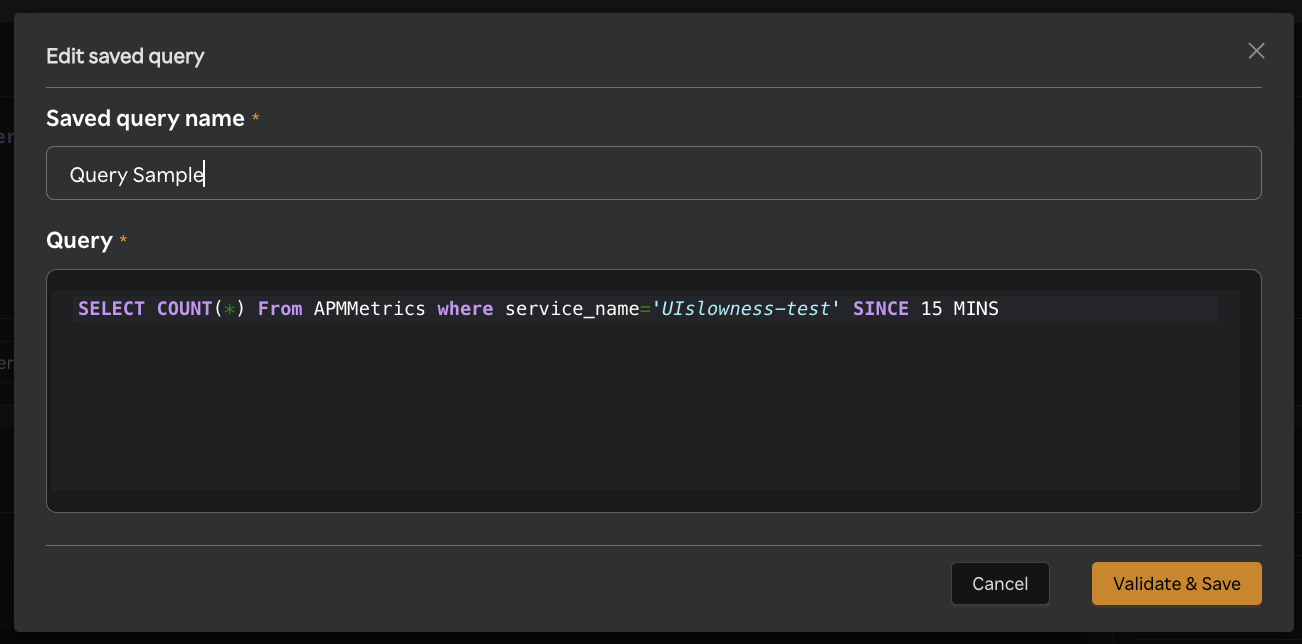
- Click on save button to validate & save the query.
- Click on
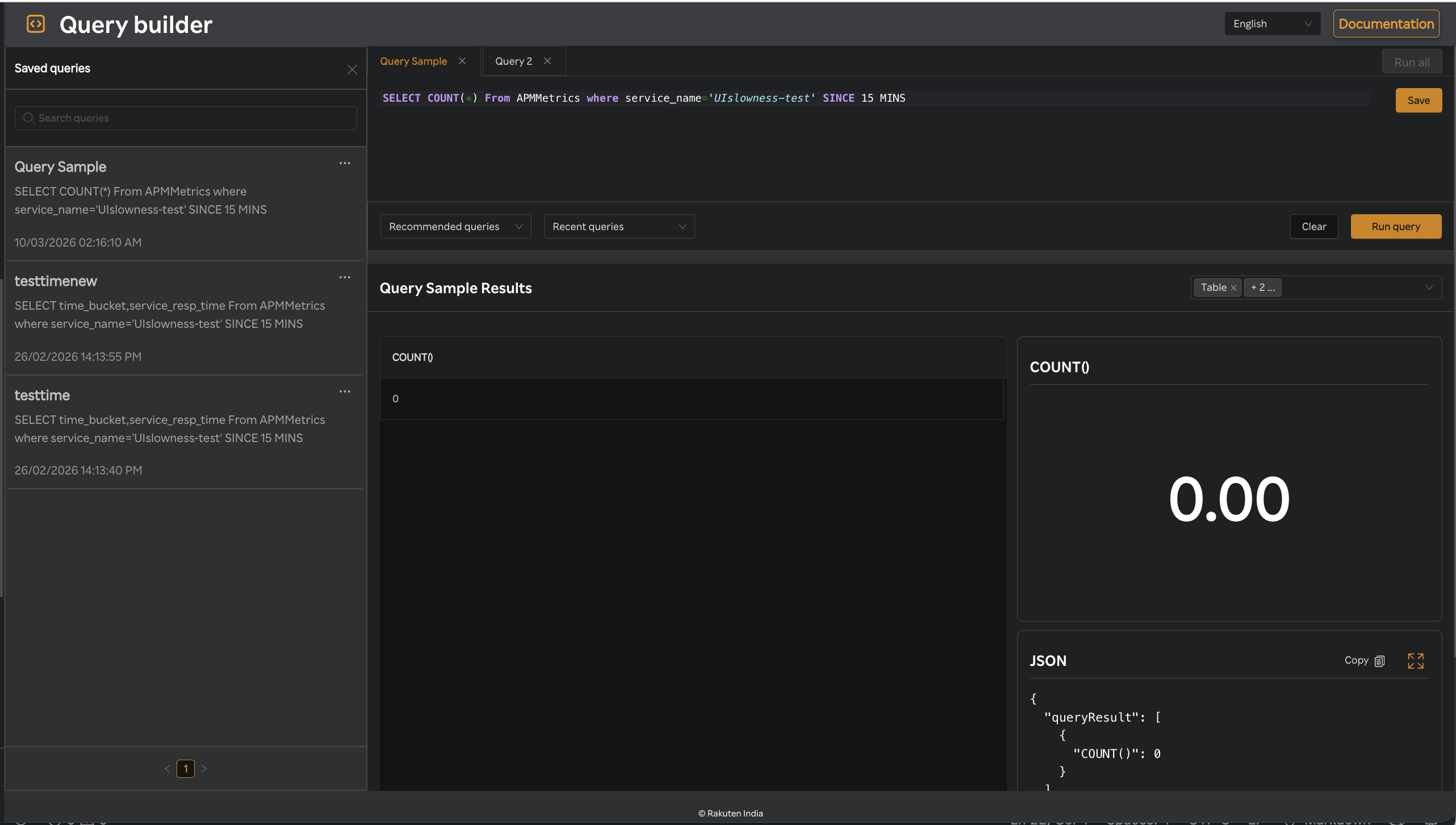
 to open the list of saved queries.
 - Click on any saved query & respective query will be loaded to query builder to execute the query.
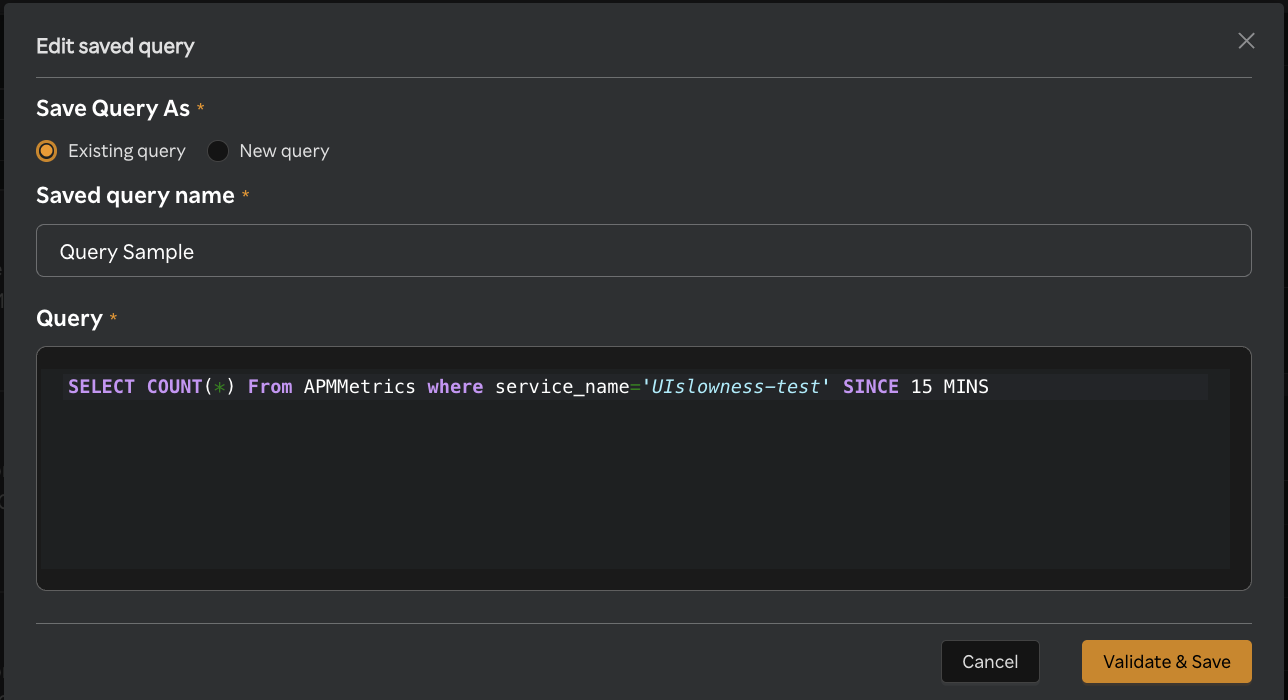
- Click on save button to save the modified/updated query to Existing query or New query
- Click on validate & save
- You can query two queries at same time by clicking on Run all button by entering queries in both the query tabs.
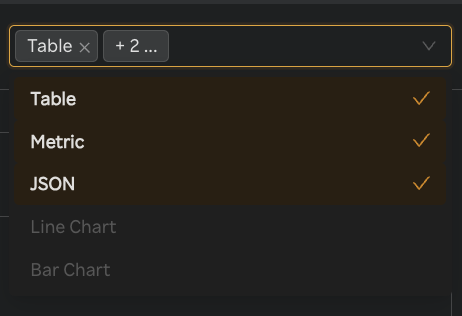
- Based on the query exectuted visualisations will be changed